PHP2Shell is a pair of critical PHP vulnerabilities that let attackers run code on web servers without a password – the fix shipped on 21 October 2026 in PHP 8.5.12, 8.4.27, 8.3.36 and 8.2.35. Updating WordPress does not help, because the flaw is in PHP itself: a site is only protected once its server runs a patched PHP version – and that is a job for website maintenance.
Contents
- What is PHP2Shell? A PHP vulnerability, not a WordPress one
- Timeline: what happened last week
- What we did – website maintenance in real time
- PHP2Shell: 6 steps to take now
- Which PHP version is safe
- Why a PHP vulnerability makes the case for website maintenance
- What comes next after PHP2Shell
- Common problems after a PHP update
- Frequently asked questions
- Need help?
Last week showed the difference between a maintained website and an unmaintained one very clearly. A vulnerability in PHP – the language behind WordPress, WooCommerce and, according to W3Techs, about 69% of websites with a known server-side language – leaked a day before its planned disclosure, and the first attack attempts were seen hours before the patch was out. Below I explain what happened, what we did on our servers and what you should check today.
What is PHP2Shell? A PHP vulnerability, not a WordPress one
PHP is the language your server uses to “run” your website: every page view, order and form submission goes through it. PHP2Shell is the name given to two critical vulnerabilities in the PHP interpreter itself – CVE-2026-109618 and CVE-2026-109619 – both rated 9.2 out of 10 on CVSS v4.0. According to PHP’s official security advisory, they allow remote code execution (RCE): an attacker without a password can make the server run their commands.
In short, the root cause is how PHP aborts a request when it runs out of memory or hits a fatal error: some data is left half cleaned up and can be reused by a later request. Every PHP installation that serves web requests is affected – PHP-FPM, Apache mod_php, LiteSpeed and others – with mod_php at the highest risk. The CERT-EU advisory confirms the same scope.
The key point for site owners: PHP2Shell is not fixed by updating WordPress, your theme or your plugins. It is fixed only by a new PHP version on the server.
Timeline: what happened last week
| Date (UTC) | Event |
|---|---|
| 20 October | PHP announces an upcoming critical security release. Details leak publicly before the planned disclosure. |
| 21 October, morning | Hosting companies report exploitation attempts to Patchstack, and Cloudflare sees the first attacks – hours before the fix. |
| 21 October, ~13:30–14:00 | PHP 8.5.12, 8.4.27, 8.3.36 and 8.2.35 are released with the fixes. PHP 8.1 and older get no official release, only minimal source backports for 7.4, 8.0 and 8.1. |
| 21–22 October | Several proof-of-concept exploits are published. Mass exploitation attempts are seen, without confirmed mass compromises. |
| 23 October | PHP discloses a third issue, CVE-2026-115560. It only affects applications with non-standard session settings and will be fixed in the next regular release. |
A detailed attack timeline was published by Patchstack, and a technical analysis by Rapid7.
What we did – website maintenance in real time
I have been maintaining websites since 2012, and PHP2Shell is one of the most serious PHP vulnerabilities I have seen. On the server that runs infobgnet.com and our maintenance clients’ websites, the patched versions were installed on 21 October – PHP 8.3.36 and 8.2.35, plus patched builds for the older branches. I then checked that every PHP process had been restarted and was running the new version, not the old one still sitting in memory.
That is the most common mistake I see: the new version is installed, but the old processes keep running. Everything looks fine, yet the site is still vulnerable. That is why website maintenance is not “click update” – it is verification after every update.
PHP2Shell: 6 steps to take now
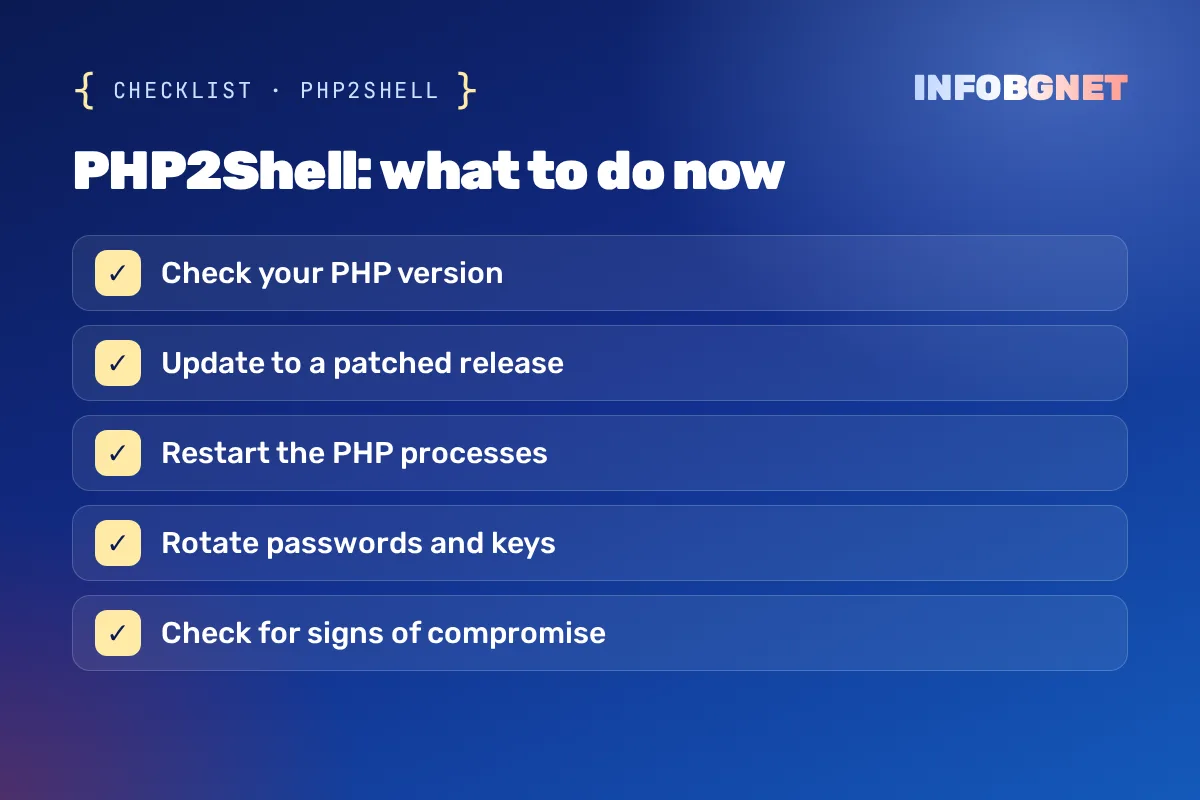
- Check your PHP version. In WordPress, go to Tools → Site Health → Info → Server. You should see 8.5.12, 8.4.27, 8.3.36, 8.2.35 or a newer version of the same branch.
- Ask your host in writing. If the version is older, request an update. On shared hosting this is your host’s job – you cannot update PHP yourself.
- Make sure PHP was restarted. The PHP2Shell fix only takes effect after the PHP processes restart. A good host or a website maintenance service does this automatically.
- Plan a move away from PHP 8.1 and older. They no longer get official fixes, and PHP 8.2 reaches end of life on 31 December 2026. PHP 8.3 or 8.4 is the sensible target – after testing your site on a copy.
- Rotate passwords and keys if the server was exposed for long. Researchers showed that a PHP2Shell attack can read PHP’s memory, including passwords, tokens and API keys. Change admin and database passwords and payment API keys.
- Check for signs of a PHP2Shell compromise. Unknown administrators, new files in theme and plugin folders, strange redirects. If you are not sure, request a free SEO audit – it includes a security check.
WordPress’s official guidance on updating PHP is on the Update PHP page.
Which PHP version is safe
| PHP version | Safe from | What to do |
|---|---|---|
| PHP 8.5 | 8.5.12 | Update to 8.5.12 or later |
| PHP 8.4 | 8.4.27 | Update to 8.4.27 or later |
| PHP 8.3 | 8.3.36 | Update to 8.3.36 or later |
| PHP 8.2 | 8.2.35 | Update and plan 8.3/8.4 – support ends on 31.12.2026 |
| PHP 8.1 and older | No official release | Vendor backports only; move to 8.3/8.4 urgently |
Why a PHP vulnerability makes the case for website maintenance
An unmaintained site relies on someone else noticing the problem. With PHP2Shell, hours – not weeks – passed between the leak and the first attacks. This is what regular website maintenance does in a situation like this:
| Without maintenance | With website maintenance | |
|---|---|---|
| Who learns about the vulnerability | Nobody – until something breaks | Your maintainer, on disclosure day |
| PHP update | Whenever the host gets to it | Checked and confirmed the same day |
| Restart and verification | Not done | Part of the procedure |
| Backup before changes | If there is one | Always |
| Post-attack check | No | Yes – users, files, logs |
At INFOBGNET, website maintenance costs €70 a month and includes updates to WordPress, the theme and plugins, backups, security and speed monitoring, hosting and domain care and up to 1 hour of fixes. For online stores, see our article on online store maintenance.
What comes next after PHP2Shell
The story does not end with the 21 October update. Here is what to keep in mind over the coming weeks:
- The third PHP vulnerability (CVE-2026-115560) will be fixed in the next regular release. Until then, PHP recommends disabling session.upload_progress.enabled. It only affects sites with non-standard session settings, but your host should have it switched off.
- Windows servers received additional builds on 26 October – PHP 8.5.12-1, 8.4.27-1, 8.3.36-1 and 8.2.35-1 – with a fix in the Brotli library (PHP announcement). If your site runs on a Windows server, install those too.
- PHP 8.2 reaches end of life on 31 December 2026. The next vulnerability after PHP2Shell will not be fixed for 8.2, so moving to 8.3 or 8.4 is best done now, not after an incident.
- More attack attempts. After a big vulnerability like PHP2Shell, bots keep scanning websites for weeks. Unpatched sites will be targeted long after the news has faded.
This is where website maintenance pays off: someone tracks these dates for you and updates in time – before the next PHP2Shell, not after it.
Common problems after a PHP update
- The site breaks after moving to a new PHP version. Cause: an old plugin or theme written for PHP 7. Fix: test on a staging copy, update or replace the plugin, and only then switch the live site.
- The version was updated, but scans still flag the site as open to PHP2Shell. Cause: old PHP processes were not restarted. Fix: restart PHP-FPM/LiteSpeed or ask your host to.
- Your host does not reply or has no update date. Cause: cheap or unmanaged hosting. Fix: move the site to a provider that patches the same day – part of what website maintenance covers.
- “I updated WordPress, so I’m safe.” Cause: confusing WordPress with PHP. Fix: check the PHP version in Site Health – no WordPress update was needed or released for PHP2Shell.
For everyday security habits, see how to stay safe online.
Frequently asked questions
Is my WordPress site affected by PHP2Shell?
Yes, if your server runs a PHP version older than 8.5.12, 8.4.27, 8.3.36 or 8.2.35. Check under “Tools → Site Health → Info → Server”. Your WordPress version does not matter.
Do I need to update WordPress because of PHP2Shell?
No. The vulnerability is in PHP, so the fix is a new PHP version on the server. Keeping WordPress updated is still important, but it does not solve this problem.
What is CVE-2026-115560 from 23 October?
A third PHP vulnerability related to session upload progress. It only affects applications with non-standard session settings and will be fixed in the next regular release. Until then, PHP recommends disabling session.upload_progress.enabled.
I’m on PHP 7.4 – what should I do?
PHP 7.4 has been out of official support for years. Only minimal source patches exist, which some vendors include. The safest option is moving to PHP 8.3 or 8.4 after testing your site on a copy.
How much does website maintenance cost at INFOBGNET?
€70 a month. It includes updates, backups, security and speed monitoring, hosting and domain care and up to 1 hour of fixes every month.
Need help?
If you are not sure which PHP version your site runs or whether your host reacted in time, write to us and we will check. And if you never want to think about this again, see our website maintenance.
Cookie Consent Banner Checklist: What EU Regulators Expect in 2026
Cookie consent banner checklist for EU websites: what regulators expect, common mistakes and a 7-step audit to run before your Q4 campaigns.
Read more →
Black Friday Website Preparation: A 2026 Checklist for Speed, SEO and EU Pricing Rules
Black Friday website preparation for 2026: a practical checklist for speed, security, SEO and EU 30-day lowest price rules before 27 November.
Read more →
WordPress (WooCommerce) online store maintenance: what it includes and what it costs
What WooCommerce online store maintenance includes: updates, backups, security, speed, a checklist and the price.
Read more →Want an SEO audit of your website?
A free SEO audit, no commitment. Just a concrete look at what can be improved.